How to Create a 1Bill Invoice for Your Business in 6 Steps
By BillKaro TeamPublished 9 min read
To create a 1Bill invoice, a business does not design a special form. It sends its bills to a 1Bill-connected service, by API, by Excel/CSV upload or from invoicing software, and its customers then pay them through 1Bill from their bank's mobile app or internet banking. This guide is for businesses issuing bills to their customers, not for a person making a top-up voucher.
If you searched "how to create 1bill invoice" because you want to load money into an account, you need a different service: 1LINK lists "Top-Up/Variable Payments" separately from "Invoice/Fixed Payments" on its 1BILL page. The rest of this post is about the second kind: fixed bills that a business sends to the people who owe it money.
What is a 1Bill invoice?
A 1Bill invoice is an ordinary bill from your business that your customer can pay through 1Bill, the bill payment service run by 1LINK, Pakistan's interbank switch. 1LINK describes 1BILL as a way for its members, banks and non-banks, to "collect payments of various entities", and names utilities, telecommunication companies and ISPs, government bodies and education institutions among them (1LINK).
For your business, the difference from a normal invoice is how it gets paid. Instead of a cheque, cash at the counter or a bank transfer that someone has to trace, the customer pays the bill from their own banking app, and the payment comes back to you as a status against that bill.
That matters because Pakistanis already pay this way. Digital channels handled 92 percent of retail payment transactions in 2025-26, and bank mobile app users reached 30.4 million, according to State Bank figures reported by Pakistan Observer on 7 October 2026.
BillKaro is a 1Bill payment-collection integration for Pakistani businesses: bills from your own system (by API or Excel/CSV upload) or from BillKaro's invoicing software can be paid through 1Bill from the customer's bank app or internet banking.
Can any business issue 1Bill invoices?
Yes, a business that bills customers can issue 1Bill invoices, but it does so through a service that is already connected to 1Bill rather than by plugging into 1LINK itself. 1LINK's own members are banks and non-banks, and billers "emerge at 1BILL rails, upon enablement" (1LINK).
In practice, that means you choose a connected service and send it your bills. Tech Vision Solvix, the company behind BillKaro, is a 1LINK partner; 1LINK runs 1Bill. You can read what the partnership means in our post on BillKaro and 1LINK.
The businesses that gain most are the ones that bill the same customers every month and lose hours matching deposits to bills:
- housing societies collecting maintenance charges (see housing society maintenance collection);
- internet and cable providers billing subscribers by package;
- clinics and hospitals billing patients and companies;
- suppliers and distributors invoicing retailers and business buyers;
- gyms, clubs and academies collecting monthly fees.
Three ways to get your bills onto 1Bill
The first decision is where your bills come from. There are three routes, and the right one depends on the software you already run.
| Route | Best for | What you do each cycle |
|---|---|---|
| API connection | Businesses with an ERP, school system or billing app that issues many bills a month | Nothing extra: your system sends bills and receives payment status |
| Excel or CSV upload | Businesses whose bills live in a spreadsheet or can be exported from their software | Export the bills, upload the file, check the paid status afterwards |
| BillKaro invoicing software | Businesses with no billing system, or one they want to replace | Create single, bulk or recurring invoices in BillKaro |
With an API connection, your own software stays the place where bills are made. It passes them to BillKaro, your customers pay through 1Bill, and the payment status syncs back so your system knows which bills are paid.
With an Excel or CSV upload, you keep billing the way you do now and upload the file. This is the quickest way to start if you are not ready for an integration.
With BillKaro's invoicing software, 1Bill is built in. Invoices paid through 1Bill are marked paid automatically, and BillKaro also handles recurring billing, email reminders and reports.
Tip: If you are unsure, start with an Excel or CSV upload for one billing cycle. You will learn which customers switch to paying through 1Bill before you spend time on an API project.
How to create a 1Bill invoice, step by step
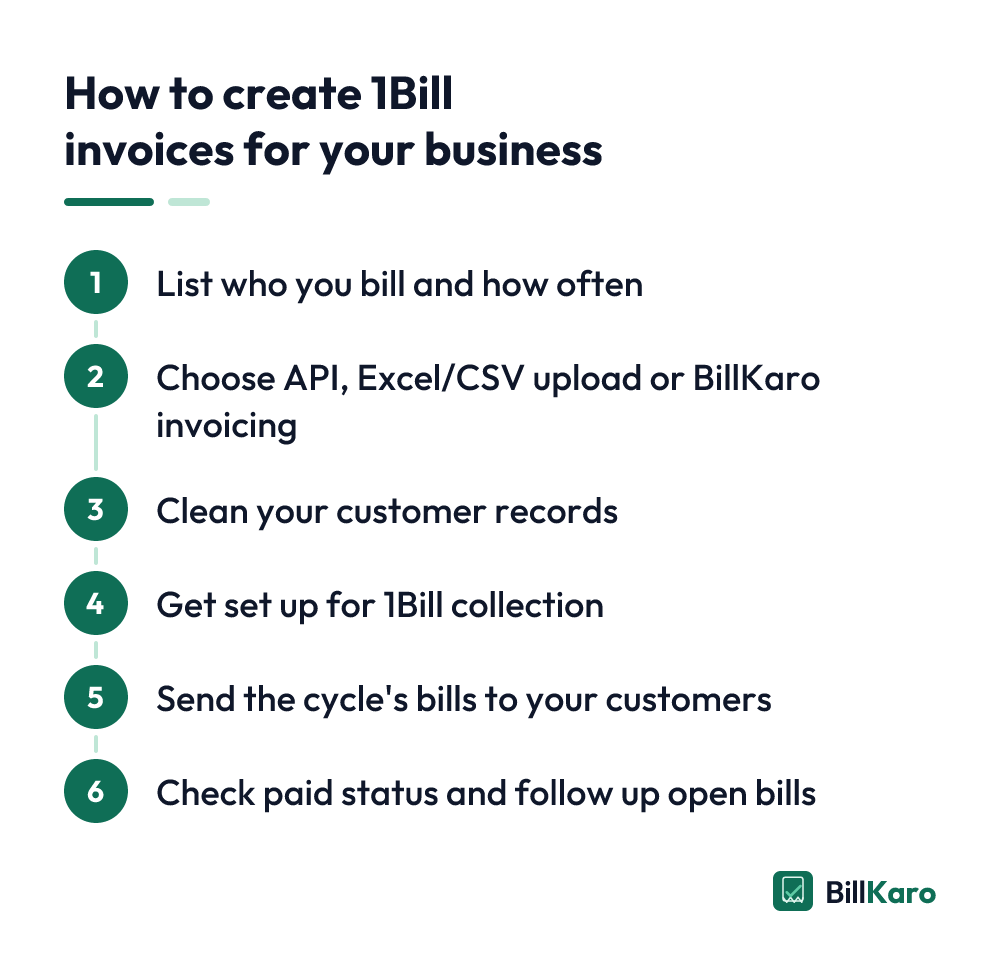
Once you know your route, creating 1Bill invoices for your business comes down to six steps:
- List who you bill and how often. Count your customers, note the billing cycle (monthly, quarterly, one-off) and the software or sheet the bills come from today.
- Choose your route. API if your system issues many bills; Excel or CSV upload if bills sit in a spreadsheet; BillKaro invoicing if you have no billing system.
- Clean your customer data. Make sure each customer has one record, a correct name and a working email or phone number, so the bill reaches the right person.
- Get set up for 1Bill collection. With BillKaro, we set up 1Bill collection with you, and help you connect your system or add your clients.
- Send the cycle's bills. Your system sends them by API, you upload the file, or BillKaro generates the invoices. Tell your customers they can pay through 1Bill from their bank's mobile app or internet banking.
- Check who has paid and follow up the rest. Payments made through 1Bill sync back as paid. Chase only the bills that are still open.
What should each bill include?
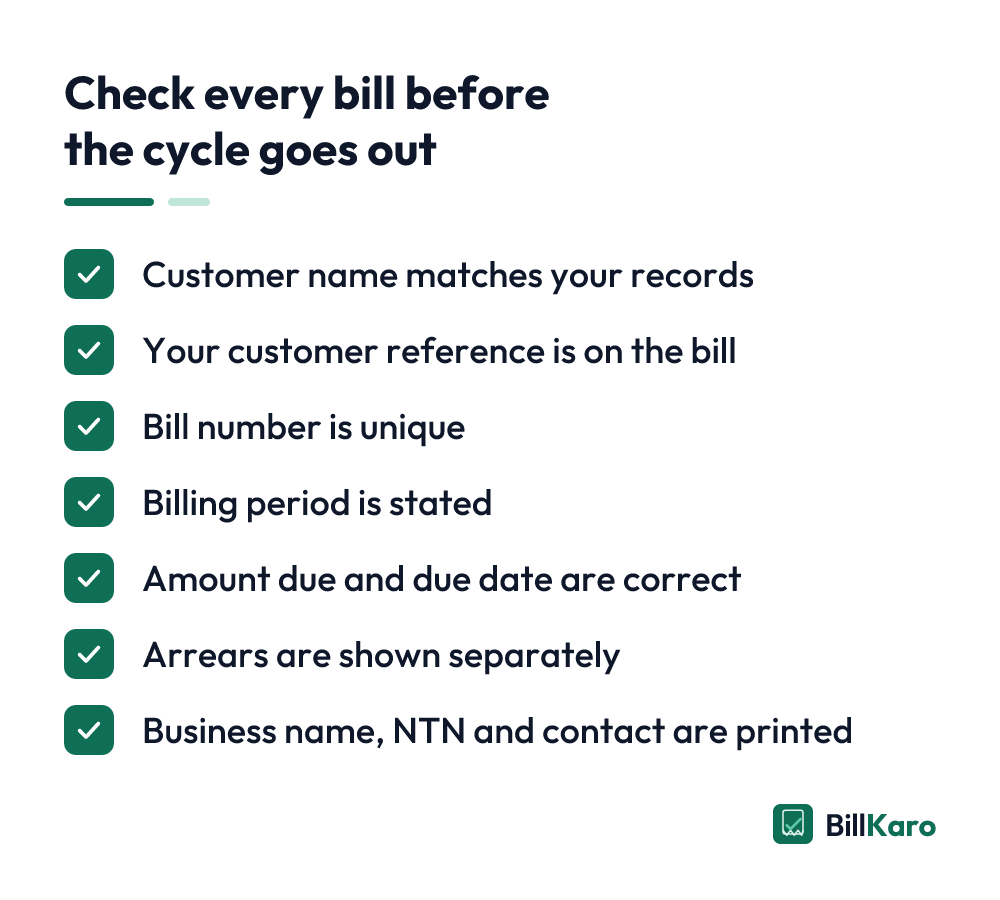
Each bill should carry enough detail for your customer to recognise it and for your team to match the payment to the right account. Whatever route you use, check these before a cycle goes out:
- the customer's name exactly as in your records;
- your own reference for the customer (account, house, plot or client number);
- the bill or invoice number, unique for every bill;
- the billing period, for example "November 2026";
- the amount due and the due date;
- any arrears or previous balance shown separately, so the customer sees why the amount changed;
- your business name, NTN where you have one, and a contact number for questions.
For an upload, ask for the exact column layout before your first file, and keep the same column order every month. For the wider rules on what an invoice in Pakistan should show, see our guide to the invoice format in Pakistan.
How does a customer pay, and how do you know?
Your customer pays the bill through 1Bill from their bank's mobile app or internet banking, so they do not need to visit your office, write a cheque or ask for your account details. The payment status then syncs back to you.
What you see depends on your route:
- API: your own system receives the status and marks the bill paid.
- Excel or CSV upload: BillKaro shows which uploaded bills are paid and which are still open.
- BillKaro invoicing: the invoice is marked paid automatically, and the outstanding, overdue and ageing reports show only what is still owed.
Payments that arrive another way, such as cash, a cheque or a direct bank transfer, are still recorded by hand in BillKaro's invoicing software, in full or in part, with a PDF receipt.
Note: Keep your old payment methods open while customers get used to 1Bill. Tell regular customers about the new option on the bill itself and when they call, rather than switching everyone at once.
How much does 1Bill collection cost a business?
With BillKaro, 1Bill collection has a one-time integration fee for each business, which covers onboarding, the agreements and paperwork, and connecting your system (API or Excel/CSV upload) or setting up BillKaro. After that, each invoice paid through 1Bill is charged by the bill amount, and the price is the same at any volume. See the integration fee and the per-invoice prices on the pricing page; they are BillKaro's own prices and exclude applicable taxes.
Your business decides who covers the per-invoice charge. You can absorb it as a cost of collection, or pass it to your customer when they pay. For percentage-based pricing or very large volumes, message us on WhatsApp.
If you also use BillKaro's invoicing software, it comes in Starter, Business and Professional plans with their own one-time setup fee (separate from the 1Bill integration fee), and 1Bill is available on every plan.
Common mistakes when starting 1Bill collection
Most problems in the first month come from data and communication, not from the payment itself:
- Duplicate customer records. Two records for one customer means two bills, one paid and one "overdue". Merge them before the first cycle.
- Changing the bill layout every month. For uploads, a moved column or renamed heading slows everything down. Fix one template.
- Not telling customers. Customers keep paying the old way if nobody tells them 1Bill is an option.
- Chasing customers who already paid. Check the synced status before sending reminders, so a paying customer is not chased.
- Leaving arrears unexplained. A bill that is higher than last month, with no breakdown, invites calls instead of payments.
Frequently asked questions
Can I create a 1Bill invoice without software?
You need a service connected to 1Bill, but you do not need your own billing software. With BillKaro you can upload your bills as an Excel or CSV file, or create them in BillKaro's invoicing software, and your customers pay them through 1Bill.
Is a 1Bill invoice the same as a top-up voucher?
No. 1LINK lists "Invoice/Fixed Payments" and "Top-Up/Variable Payments" as separate 1BILL products. A business invoice is a fixed bill your customer owes you; a top-up loads money into an account.
How do my customers pay a 1Bill invoice?
They pay through 1Bill from their bank's mobile app or internet banking. When they pay, the payment status syncs back, so the bill shows as paid without anyone matching deposits by hand.
Do I have to replace my ERP or billing system?
No. Your existing system can connect to BillKaro by API, or you can export its bills and upload them as an Excel or CSV file. Payment status syncs back in both cases.
What does it cost to collect through 1Bill with BillKaro?
There is a one-time integration fee for each business, then BillKaro charges per invoice paid through 1Bill, by the bill amount, the same at any volume. The prices are on the pricing page, and your business decides whether to absorb the per-invoice charge or pass it to the customer.
Start issuing 1Bill invoices
Creating 1Bill invoices is mostly about choosing the right route for your bills and keeping your customer data clean; the payment side then takes care of itself. See how BillKaro handles 1Bill invoices for business, or request a demo on WhatsApp and tell us how you bill today: from your own system, from a spreadsheet or not yet in any software.